

Product Scanner App + Website
This is a private project. If you would like to learn more details, access the source code, or experience the project, please contact jacky.
Published:
9 minute read
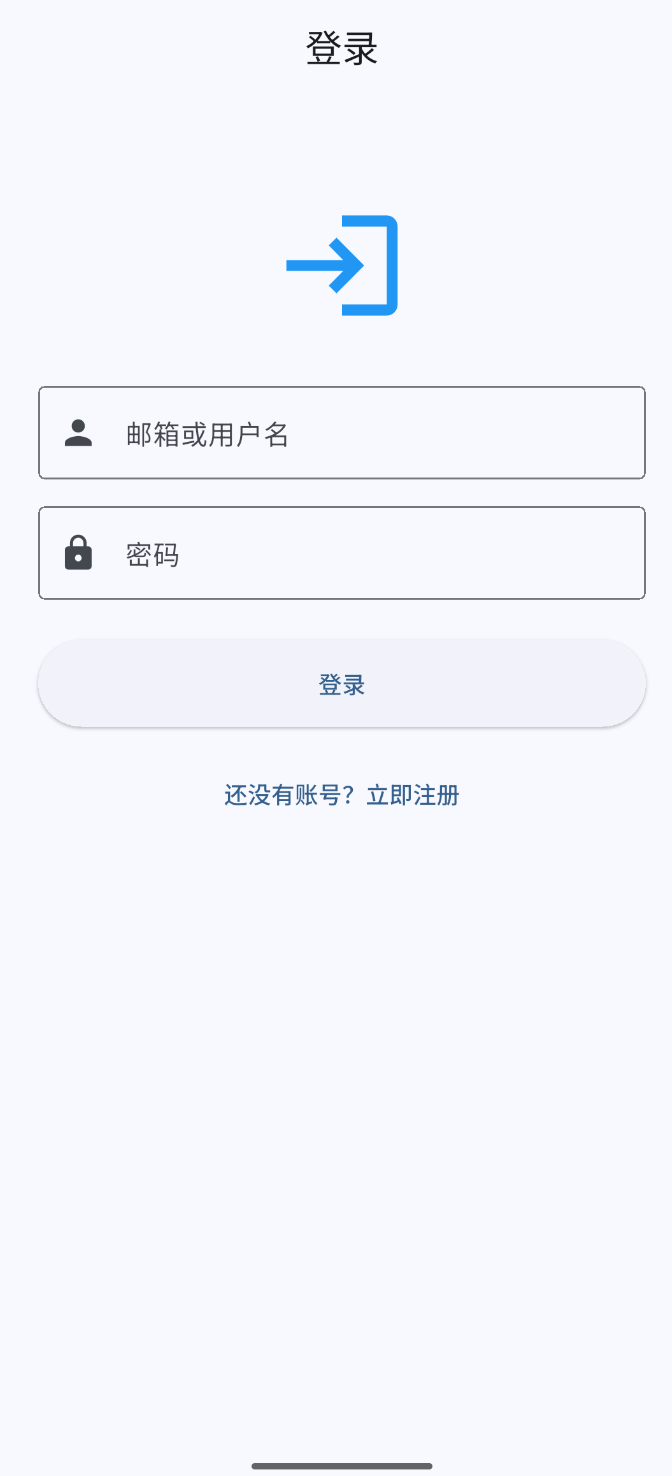
Scanner App: Login
In One Sentence
Product Scanner replaces manual label typing with a phone camera — scan a mechanical product label, on-device OCR reads Chinese text, AI extracts structured fields, and a web dashboard lets the team search, edit, export, and monitor inventory in real time.
The Problem
Warehouse teams manually copied label text into spreadsheets — slow, error-prone, especially with Chinese characters and OCR-confusable material numbers (TRIO vs TR1O). Managers had no live view of what was scanned on the floor. Quality checks were forgotten because nothing flagged overdue items.
Seven Core Capabilities
1. Mobile Capture — Camera to Cloud in Seconds
Pain point: Typing eight fields from a small label takes minutes and introduces transcription errors.
What Product Scanner does:
- Real-time camera preview (rear camera, high resolution) or gallery pick as alternative.
- On-device OCR via Google ML Kit Text Recognition with Chinese script — reads mixed Chinese/Latin mechanical labels without sending images to a cloud OCR service.
- Raw OCR text displayed on screen before save — worker sees exactly what was read.
- Review form pre-filled with AI-extracted fields; worker edits any value before submit; product name required.
- Production date picker with locale-aware formatting.
- Auto-computed on save:
storage_date(receipt datetime) and ISO week number (YYYY-WW, Monday-based) — drives all dashboard grouping and reporting. - Save to shared MongoDB via
POST /api/products; success confirmation and form reset.
2. AI Field Extraction — Manufacturing-Tuned Prompt
Pain point: Generic LLM extraction misreads domain-specific label formats — wrong material numbers, merged fields, decimal quantities.
What Product Scanner does:
- Raw OCR text sent to
POST /api/ai/analyze(JWT-protected). - Doubao / Volcengine Ark (
doubao-1-5-lite-32k-250115, temperature 0.3) with a dedicatedai_prompt.jsontuned for mechanical manufacturing labels:
| Field | Extraction rules |
|---|---|
| product_name | Full description; typo correction; exclude QC slogans (PASS/OK/合格) |
| material_number | Must be TRIO or CMDY + digits; auto-fix OCR confusions (0/O, 1/I) |
| purchase_order | Exactly 10 digits |
| quantity | Integer only — strip .00 decimals |
| supplier_code | 8 or 10 pure digits |
| drawing_number / version | Split on / when combined on label |
| production_date | Normalise DD.MM.YYYY → YYYY-MM-DD |
- Returns structured JSON; markdown code fences stripped before parse; missing fields default to empty string.
- Human review step catches any remaining AI errors before data enters the database.
3. Edit Mode — Full Data Stewardship Dashboard
Pain point: Scanned data needs correction, quality marking, and batch management — a read-only list is not enough.
What Product Scanner does:
- Ant Design table with 12 columns: product name, material number, purchase order, quantity, supplier code, drawing number, version, production date, quality check, storage date, week number, comment.
- Inline editing — click any cell; text, date picker, datetime, or quality-check dropdown (
pass/fail/ blank). - Edited cells highlighted blue; unsaved changes banner with count.
- Multiple save triggers:
- Blur or Enter on text cells
- 5-second debounced auto-save after last edit
- Ctrl/Cmd+S manual save
- Ctrl+Z / Ctrl+Y undo/redo within a cell
- Batch save via
PUT /api/products/batch. - Week filter — dropdown of ISO week numbers; auto-selects most recent week on load; 100 items/page in week view vs 40 in "All".
- Search by product name or material number (500ms debounce); date range filter on storage date.
- Bulk delete with confirmation modal.
- Per-row comment modal — free-text notes stored in DB, displayed as blue tag in table.
4. Live Mode — Real-Time Floor Monitor
Pain point: Office managers want to see scans as they happen without refreshing or accidentally editing data.
What Product Scanner does:
- View-only monitor at
/live— all editing, delete, comment, and filter controls disabled. - Fetches all weeks; sorted by
lastActivityAtdescending — newest creates/updates float to top. - Auto-refresh every 10 seconds (silent, no loading spinner).
- Info banner: "数据每10秒自动刷新,已关闭所有编辑、删除、评论功能".
- Failure handling: after 5 consecutive refresh failures, auto-pauses with warning banner and "继续 Live" resume button.
- Header toggle switches between Edit and Live modes without re-login — one app, two personas (data steward vs floor monitor).
5. Quality Check Alerts — 48-Hour Escalation
Pain point: Quality inspection is a separate step that gets forgotten; overdue items blend into the table.
What Product Scanner does:
quality_checkfield:pass,fail, or blank (not yet inspected).quality_check_update_dateset on create and refreshed whenever quality_check changes.- Alert rule: if
quality_checkis empty ANDquality_check_update_dateis 48+ hours old (or never set):- Red row background across entire row including fixed columns
- Red quality_check cell text
- Items with
passorfailare never flagged regardless of age. - Auto-sort: overdue items pinned to top of current page in both Edit and Live modes.
- Makes invisible backlog visible without a separate QC workflow tool.
6. Week-Based Organisation & CSV Export
Pain point: Inventory reporting is done weekly; exports must work in Excel with Chinese characters.
What Product Scanner does:
- Every product tagged with ISO week number derived from storage date — enables week-based filtering and reporting.
- Changing
storage_datein edit mode recalculatesweekNumber. - CSV export modal — filter by week number and/or storage date range (search keyword does not affect export scope).
- Pre-checks record count; warns if zero results.
- UTF-8 with BOM + CRLF line endings — Excel-safe for Chinese column headers.
- Exported columns: 产品名称, 物料号, 采购订单, 产品数量, 供应商代码, 图号, 版本, 生产日期, 质量检查, 收货日期.
- Filename pattern:
产品数据_周数{week}_{start}_{end}_{export-date}.csv.
7. Shared Team Database & Authentication
Pain point: Floor workers and office managers need the same data without separate silos.
What Product Scanner does:
- Single MongoDB database shared across all authenticated users — any logged-in user sees all products (team inventory, not per-user isolation).
- JWT authentication (7-day expiry) shared between Flutter app and React dashboard.
- Register: email + username + password (min 8 chars, bcrypt); login by email or username.
- 401 handling: both clients clear token and redirect to login on expiry.
- Rate limiting: 10 auth attempts / 15 min; 100 general requests / 15 min per IP.
- Docker Compose local dev stack (MongoDB + backend); APK/AAB build for Android deployment.
Real-World Impact
In production at a UK mechanical manufacturing company (same client as Project Dashboard). Significantly reduced manual data entry time and improved inventory traceability by ISO week. Live mode used as a floor-to-office monitoring display.
Skills Demonstrated
| Area | What this project shows |
|---|---|
| Mobile | Flutter, camera, Google ML Kit Chinese OCR, go_router, Dio |
| AI/OCR pipeline | On-device OCR → domain-tuned Doubao extraction → human review |
| Full-stack | Shared Node.js/MongoDB API for mobile + web |
| Enterprise UX | Edit vs Live dual mode, inline auto-save, quality escalation |
| Production delivery | Real factory floor deployment with CSV reporting |
How It Works (Plain English)
- Worker scans label on phone → ML Kit OCR reads text → AI extracts 8 fields → worker reviews → saves to cloud with auto week tag.
- Manager opens web dashboard in Edit mode → searches, inline-edits, marks quality, adds comments.
- Live mode on office screen auto-refreshes every 10s — newest scans appear at top.
- Red rows flag items overdue for quality check (48h+).
- Export CSV by week or date range for weekly reporting.
Architecture
┌─────────────────────┐         ┌─────────────────────────┐
│  Mobile App         │         │  Web Dashboard           │
│  (Flutter)          │         │  (React + Ant Design)    │
│  Camera→ML Kit OCR  │         │  /edit · /live modes     │
│  → AI → review      │         │  inline edit · CSV       │
└──────────┬──────────┘         └────────────┬────────────┘
           │         HTTPS + JWT             │
           └──────────────┬──────────────────┘
                          ▼
               ┌─────────────────────┐
               │  Shared API Server   │
               │  Node.js + MongoDB   │
               │  + Doubao AI analyze │
               └─────────────────────┘
Tech Stack
- Mobile: Flutter 3.3+, Provider, go_router, Dio, Camera, Google ML Kit OCR, SharedPreferences
- Web: React 18, TypeScript, Vite, Ant Design 5, Zustand, Axios, dayjs
- Backend: Node.js 18+, Express, MongoDB/Mongoose, JWT, bcrypt, json2csv
- AI: Doubao / Volcengine Ark chat completions with
ai_prompt.json - Deploy: Docker Compose; Android APK/AAB builds
Scan once, data everywhere — no more retyping labels by hand.