

KnowFlow — merged into Jacky AI Agent
This is a private project. If you would like to learn more details, access the source code, or experience the project, please contact jacky.
Published:
9 minute read
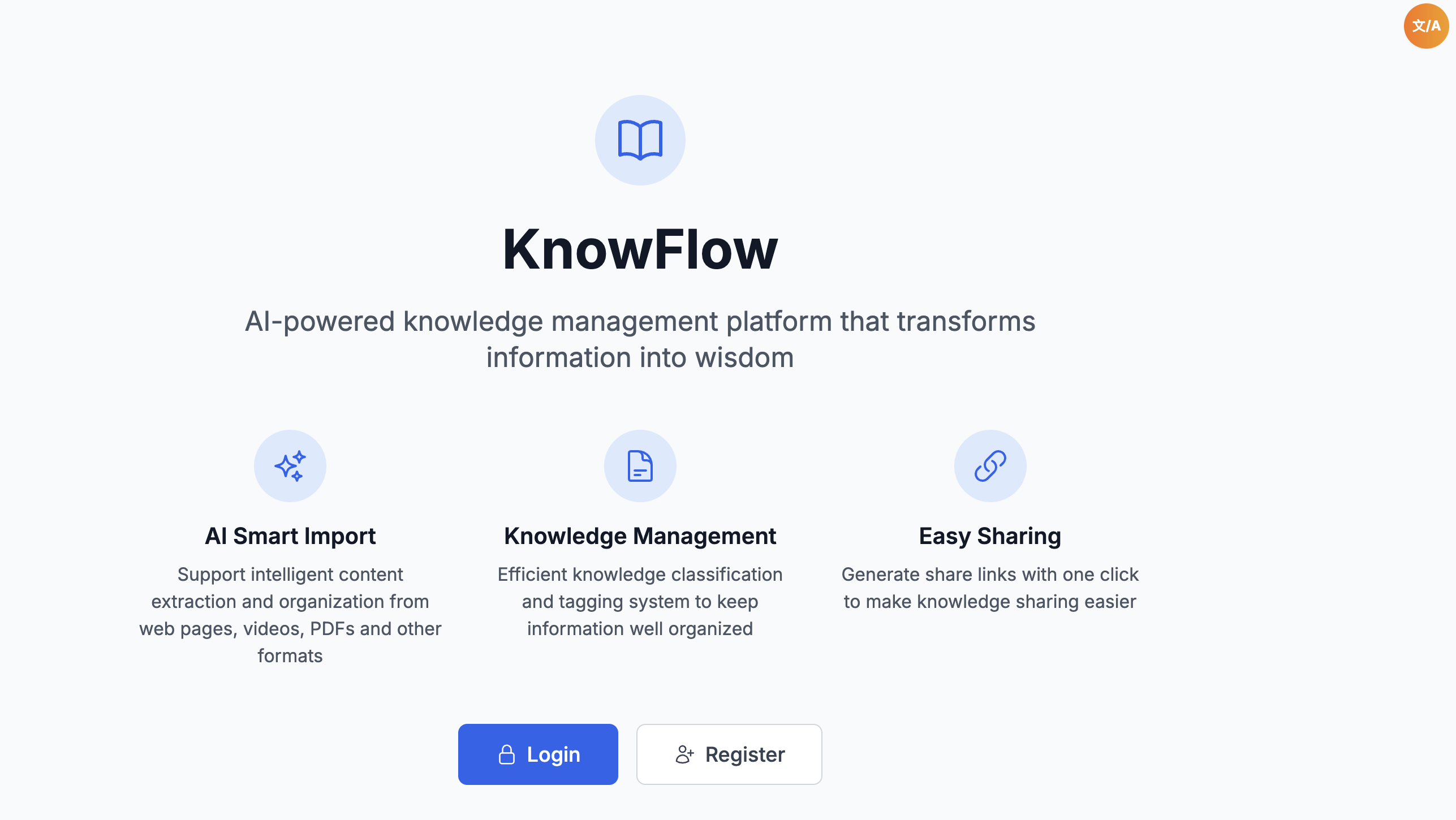
KnowFlow: Login
In One Sentence
KnowFlow is a personal knowledge library I built end-to-end — paste a link, upload a PDF, snap a photo, or record a voice note, and AI extracts the key points, generates tags, and stores everything in one searchable place across web and mobile.
The Problem
We save articles, videos, PDFs, and screenshots everywhere — browser bookmarks, notes apps, camera roll — then never find them again. Each format needs a different tool. Manual tagging is tedious. KnowFlow treats every source type through one import pipeline and one library.
Seven Core Capabilities
1. Universal Multi-Source Import
Pain point: A YouTube tutorial, a PDF paper, and a voice memo cannot all go into the same system without reformatting or copy-pasting.
What KnowFlow does:
- One universal import API (
POST /ai/import/universal) accepts either a structuredsourcestring or a file upload — the backend routes to the correct extractor automatically. - Supported source types: webpage, video, PDF, text, image, voice — each stored with typed metadata in MongoDB.
- Web import — paste URL; server fetches and strips HTML content.
- Video import — YouTube (transcript API + oEmbed metadata + page fallback) and Bilibili (official API + CC subtitle JSON; supports b23.tv short links).
- PDF import —
pdf-parseon uploaded file or downloaded URL. - Text import — direct long-form paste.
- Picture import — Tesseract.js OCR (
chi_sim+eng) with language auto-detection; batch up to 10 images. - Voice import — local Vosk speech recognition (offline STT) with ffmpeg PCM conversion; browser
MediaRecorderon web, native recorder on Flutter. - Structured source strings for power users:
web:https://example.com
pdf:https://example.com/doc.pdf
txt:这是文本内容
video:youtube:https://www.youtube.com/watch?v=...
video:bilibili:https://www.bilibili.com/video/BV...
- Client-side import queue (web) — sequential processing with localStorage persistence and 2 automatic retries; Flutter has a matching import queue screen.
2. AI Processing with Dual-Provider Failover
Pain point: Single AI provider outages or rate limits break the entire import flow. Generic summarisation produces vague titles and useless tags.
What KnowFlow does:
- Two LLM providers: Anthropic Claude (
claude-sonnet-4) for international users; Doubao / Volcengine Ark for domestic users — selectable per import. - Automatic failover: Claude overload (529) or rate limit → retry on Doubao without user intervention.
- Structured single-pass output: title (≤20 chars), summary (≤1000 chars, highly structured prompt), exactly 3 tags, and source metadata — strict JSON parsing.
- Tag vocabulary reuse: AI prefers tags from the user's existing library when semantically appropriate — taxonomy stays consistent over time.
- Output language control: 7 supported languages (zh, en, ja, ko, es, fr, de) independent of input language.
- Credit metering: AI text billed at 0.5 credit per 1000 chars; voice at 1 credit per minute; scraping/PDF/video extraction itself is free — only the AI pass costs credits.
3. Knowledge Library & Source Preservation
Pain point: Summary-only apps lose the original — you cannot re-read the source or verify what the AI extracted.
What KnowFlow does:
- Full CRUD on knowledge items — create, read, update, delete; batch delete supported.
- Original source always kept: webpage text, video transcript, PDF content, OCR output, voice transcript — stored alongside the AI summary.
- Per-item source viewer — open the raw source anytime from the detail page.
- File attachments — upload linked files with SHA256 dedup; preview and download endpoints; MIME whitelist + dangerous extension blacklist.
- Swipe card reading mode — browse imported knowledge like a deck of cards; good for review sessions.
- Full-text search with filtering by tags, source type, and sort options.
- Source stats dashboard — breakdown of how much content comes from each source type.
4. Tag System & AI Taxonomy Analytics
Pain point: Tags accumulate into chaos. You cannot see patterns in what you collect.
What KnowFlow does:
- Manual tag CRUD with hex colour picker and usage statistics per tag.
- Auto-generated tags on every import (3 per item); tags auto-increment usage count on save.
- AI tag classification — groups your entire tag library into 6–8 semantic categories (occupation, tech, hobbies, lifestyle, etc.) using an elaborate prompt; results cached per user/provider/language.
- Visualisation dashboard — pie and bar charts showing category distribution across your knowledge base.
- Refresh on demand — force re-classification when your library grows significantly.
5. Public Sharing
Pain point: You want to share one article summary with a friend without giving them access to your entire library.
What KnowFlow does:
- One share link per knowledge item — 12-character share code generated from UUID.
- Public / private toggle — public shares accessible without login via dedicated static viewer (
knowflowshare/micro-app hosted atquantcloudapp.com/knowflowshare/:code). - Share management page — create, update visibility, copy link, delete shares from web and Flutter.
- Full content exposure — shared page shows the complete knowledge item (not summary-only mode).
6. Credit-Based Billing & Usage Monitoring
Pain point: AI-powered apps need sustainable usage limits without surprise bills.
What KnowFlow does:
- Two plans:
| FREE | PRO | |
|---|---|---|
| Monthly credits | 50 | 500 |
| Max knowledge items | 100 | unlimited |
| Max file size | 5 MB | 50 MB |
| Max AI text length | 6000 chars | 20000 chars |
- Billing dashboard (web + Flutter): current credits, usage history, reset countdown, plan comparison.
- Credit pre-check before AI processing; deduction confirmed after successful import.
- FREE credits reset on calendar month rollover; PRO expires 30 days from upgrade with auto-downgrade on access.
- Usage records with action-type breakdown (AI text, voice, summary, etc.).
7. Cross-Platform — Web PWA + Flutter Native
Pain point: Knowledge captured on phone should be searchable on desktop and vice versa.
What KnowFlow does:
- Web app: React 18 PWA (Vite + Tailwind) — installable on desktop and mobile home screen; responsive layout; i18n (zh/en); import via URL, text, file, or browser voice recorder.
- Flutter app: full feature parity — login, knowledge list/detail/edit, import (all types), tags + classification, shares, billing, import queue; native file picker, camera, PDF preview, WebView, audio playback.
- Shared API at
api.quantcloudapp.com/api/v1— one backend, two clients. - Eight Provider classes on Flutter mirroring web Zustand stores.
Real-World Impact
My first full AI knowledge product. The multi-source import pipeline, dual-provider failover, and tag taxonomy patterns were later reused in Jacky AI Agent's notes, video parsing, and RAG features.
Skills Demonstrated
| Area | What this project shows |
|---|---|
| AI integration | Dual LLM providers with failover, structured JSON extraction, credit metering |
| Full-stack | Node.js/Express/Prisma + React PWA + Flutter |
| Data processing | PDF, web scrape, YouTube/Bilibili subtitles, OCR, offline Vosk STT |
| Product design | Universal import router, swipe reading, share micro-app |
| Cloud | Docker, MongoDB, Redis cache, optional S3 storage |
How It Works (Plain English)
- You send content — URL, file, voice recording, or pasted text — via web or mobile.
- Backend extracts raw text from the source format (scrape, OCR, transcript, STT).
- AI writes title, summary, and 3 tags → saves to MongoDB; optional file attachment linked.
- Tags increment; classification cache invalidated if needed.
- You search, filter, swipe-read, share, or re-open the original source anytime.
Architecture
┌──────────────────┐     ┌──────────────────┐     ┌──────────────────┐
│   Web App        │     │  Flutter App      │     │  Share Viewer     │
│   (React PWA)    │     │  (iOS/Android)    │     │  (Static JS)      │
└────────┬─────────┘     └────────┬─────────┘     └────────┬─────────┘
         │         HTTPS           │                          │
         └──────────┬──────────────┘                          │
                    ▼                                          │
         ┌──────────────────────┐                            │
         │  API Server (Node.js) │◄───────────────────────────┘
         │  Auth · import · CRUD  │   GET /shares/public/:code
         └──────────┬─────────────┘
                    │
      ┌─────────────┼─────────────┐
      ▼             ▼             ▼
 ┌─────────┐  ┌─────────┐  ┌──────────────────────────┐
 │ MongoDB │  │  Redis  │  │ Content + AI pipeline     │
 │ (Prisma)│  │ (cache) │  │ web·PDF·video·OCR·Vosk·AI │
 └─────────┘  └─────────┘  └──────────────────────────┘
Tech Stack
- Backend: Node.js 18+, TypeScript, Express, MongoDB, Redis, Prisma, Winston logging
- Frontend: React 18, TypeScript, Vite, Tailwind CSS, Zustand, i18next, PWA
- Mobile: Flutter 3.7+, Provider, Dio, Material 3
- AI: Claude API, Doubao / Volcengine Ark API
- Processing: pdf-parse, Tesseract.js, Vosk (offline STT), YouTube/Bilibili subtitle APIs
- Security: Helmet, CORS, JWT, bcrypt, rate limiting
- Deploy: Docker Compose, Railway-ready
Stop hoarding links — start building a library you can actually use.